Voyager for Claude
Make images, video, voice and music in Claude
Add Voyager as a connector, then ask Claude for a shot, a poster, a voiceover or a song.
- 1
https://mcp.voyager.so/mcp - 2
 Open Claude connectors
- 3
Paste it as a custom connector named Voyager, then sign in.
Add it once in Claude on the web or the desktop app, and it works in Claude on your phone too. Using Claude Code? One command.
ClaudeVoyagerUse Voyager to make a 5-second Seedance clip of hands pouring a pour-over in morning light, 16:9
Voyager · Seedance 2.5 · 5 s · 720p
What it makes
Our own results, from Seedance, Veo, Kling, Nano Banana and more.
Seedance 2.5
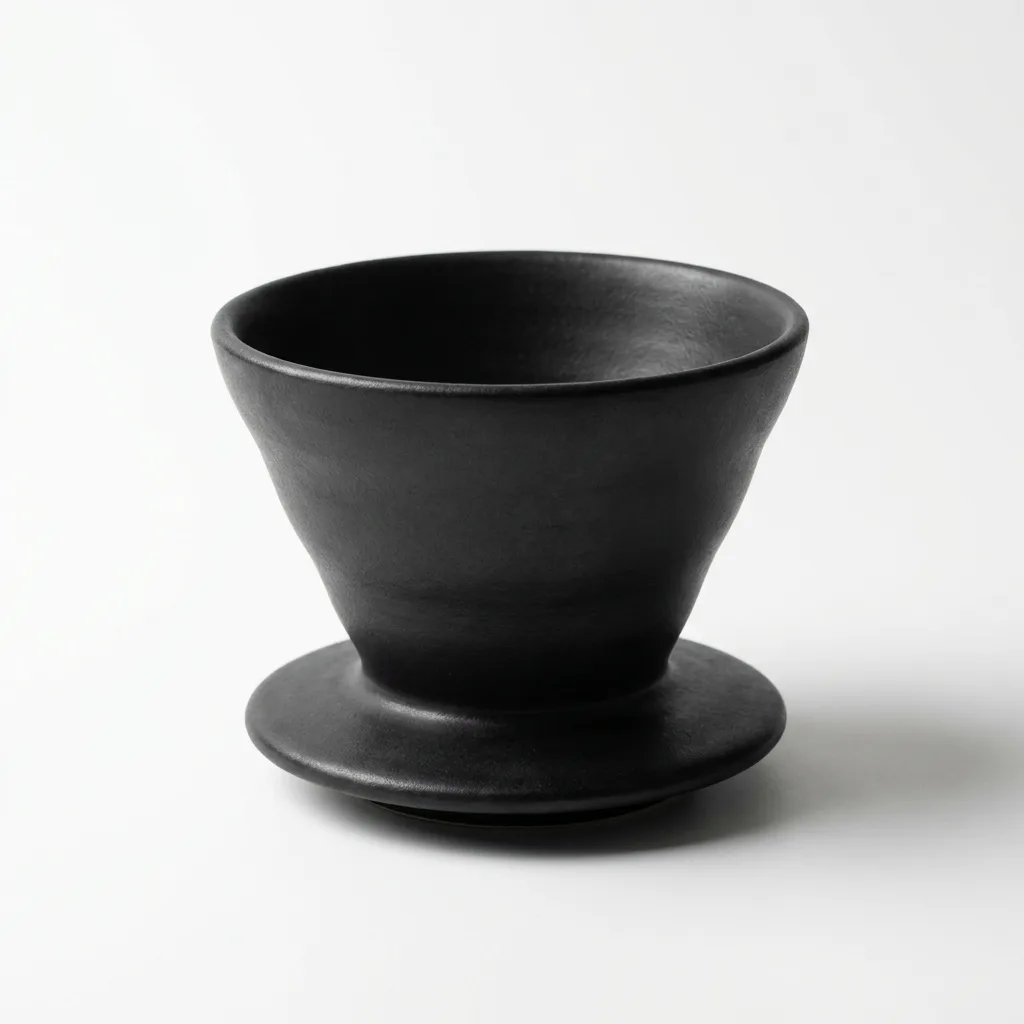
Nano Banana Pro
Veo 3.1 Fast
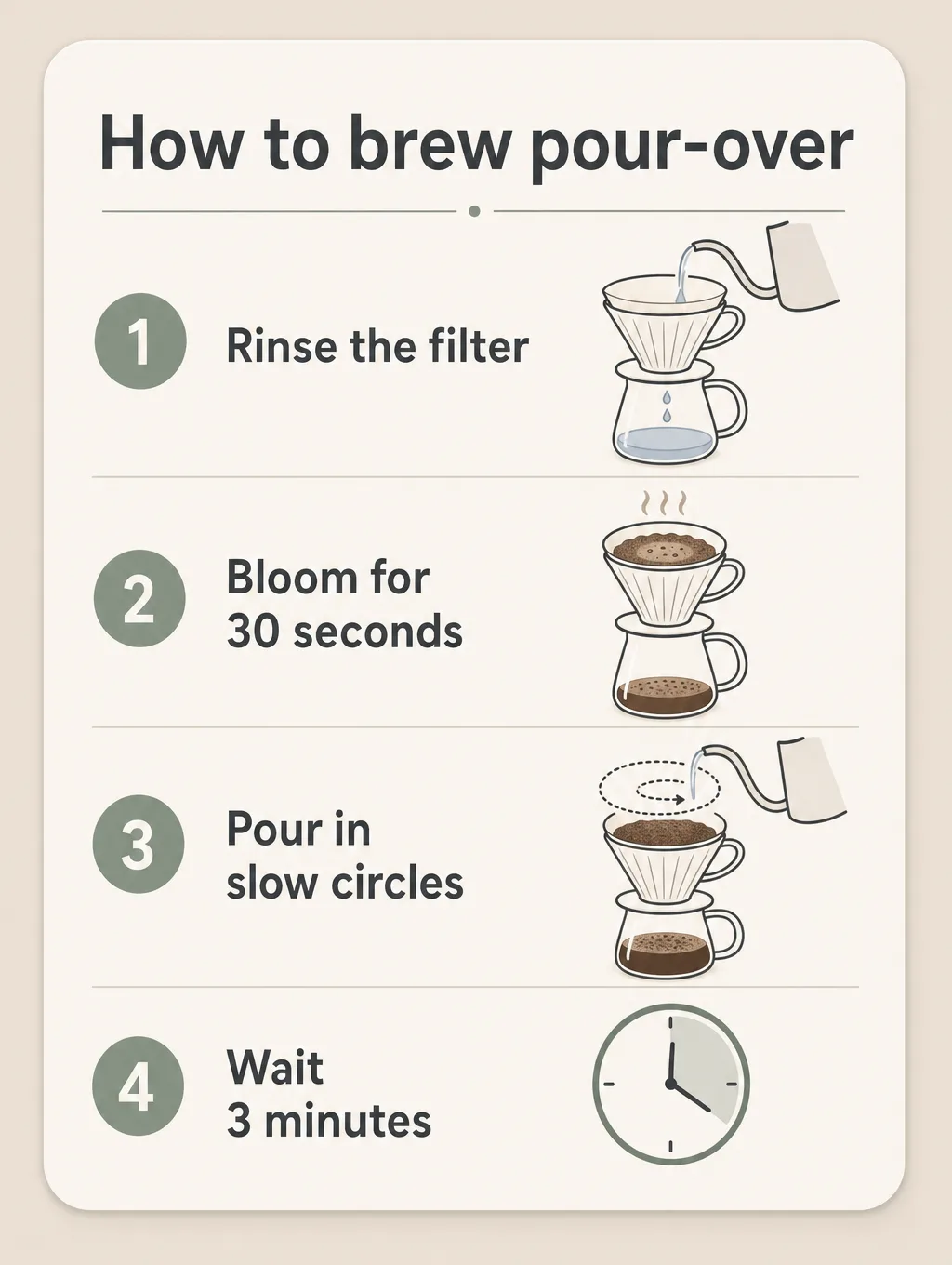
GPT Image 2.0
Kling 4.0

Ideogram 4.5
More in the model reference.
Connect in a minute
Sign in with your Voyager account. There is no key to paste.
- 1
Copy Voyager’s MCP URL.
https://mcp.voyager.so/mcp - 2
In Claude on the web or the desktop app, open the connectors page.
Open Claude connectors - 3
Choose Add custom connector, name it Voyager, paste the URL, then choose Connect and sign in with your Voyager account.
- 4
In a chat, open +, then Connectors, and turn on Voyager.
Once added, Voyager is also there in the Claude app on your phone.
- 1
Add Voyager in your terminal:
claude mcp add --transport http voyager-cloud https://mcp.voyager.so/mcp - 2
In Claude Code, run
/mcp, choose voyager-cloud and sign in with your Voyager account in the browser. - 3
Ask for a shot, a poster or a voiceover.
- 1
Open the Voyager Video & 3D listing in ChatGPT.
 Add Voyager Video & 3D to ChatGPT
- 2
Choose Connect and sign in with your Voyager account.
- 3
In a new chat, pick Voyager Video & 3D and start with “Use Voyager to…”, then say what you want to make.
- 1
Add Voyager in your terminal:
codex mcp add voyager-cloud --url https://mcp.voyager.so/mcp codex mcp login voyager-cloud - 2
Finish signing in with your Voyager account in the browser window that opens.
- 3
In Codex, check it with
/mcp, then ask for a shot.
Questions
How much does it cost?
It uses your Voyager plan’s credits, at what each model’s provider charges, with no markup. Plans start at $19 a month. Nothing is bought inside ChatGPT or Claude. See the pricing page.
Is there a free plan?
Yes. Every new Voyager account starts on the Free plan, with no card: up to 25 images a month on Nano Banana 2 and 2.1, and 3 voice generations a month. Video, music and every other model start on Starter.
Do I need a Voyager account?
Yes. Connecting asks you to sign in with your Voyager account, and generations use its credits. Create an account first if you don’t have one.
How is this different from the Voyager desktop app?
The plugin makes media in the chat, without the desktop app. The desktop app adds an agent that works in the creative apps on your computer, like Photoshop, Premiere Pro and Blender. Both use the same account and credits.
Make your first clip in Claude.
- 1
https://mcp.voyager.so/mcp - 2Open Claude connectors
- 3
Paste it as a custom connector named Voyager, then sign in.