Make it in Voyager Playground.
Generate images, clips, audio and 3D in your browser. Pick a model and see the cost before you run.
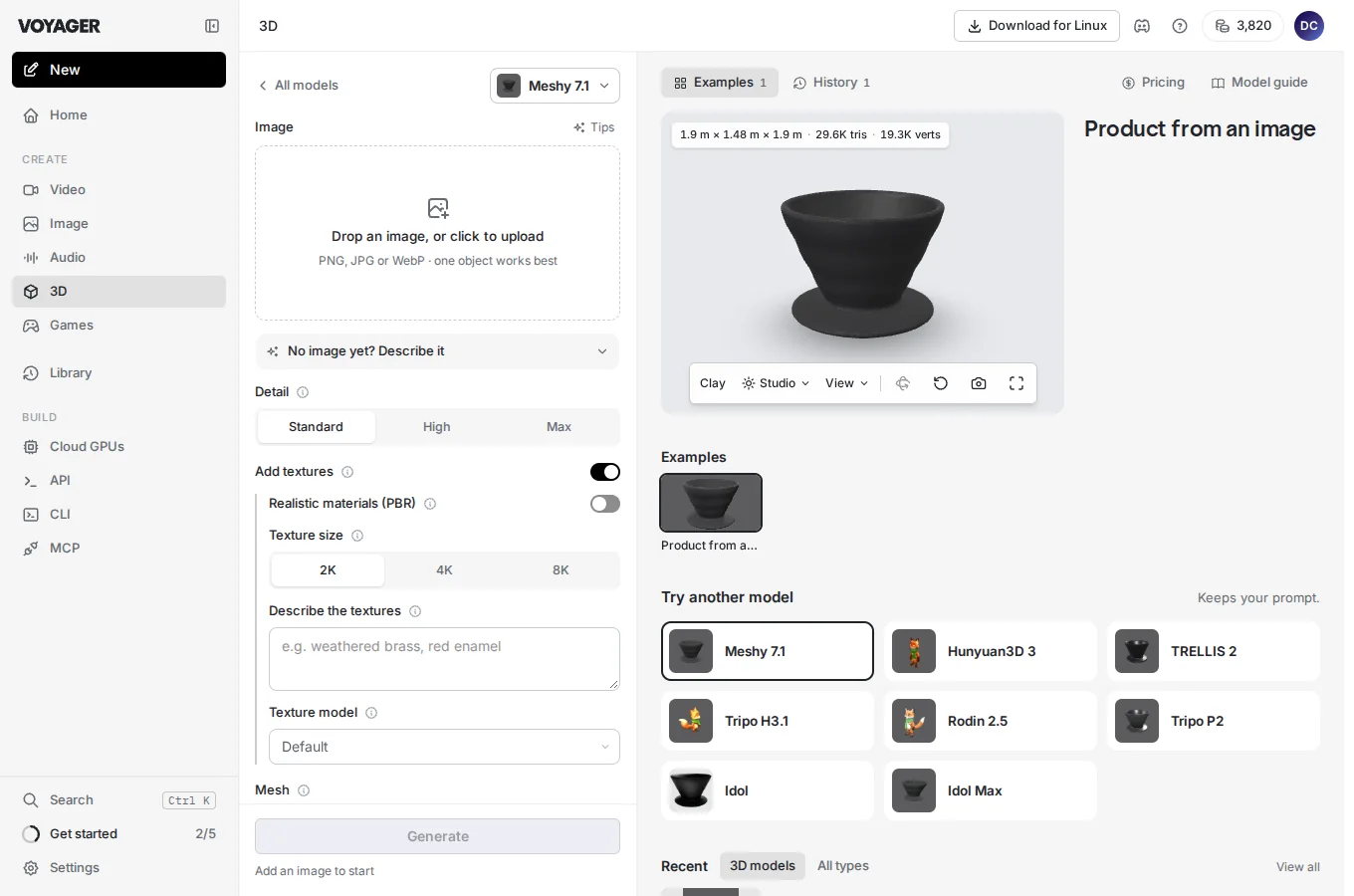
From idea to asset
Pick a model
Open Generate and choose what you want to make.
See the price
Add a prompt or input and check the credit estimate for your settings.
Run it
Start the job and preview the result when it’s ready.
Find it in Library
Open past results, download the one you want or use it as an input for another run.
Find a model for your next idea
See credit rates for popular models. Generate shows the cost for your settings before you run.
| Model | Credits |
|---|---|
| Meshy 7.1Meshy | 40–60 credits a request |
| Seedance 2.5ByteDance | 10.4–92.1 credits a second |
| Nano Banana 2Google | 5.7–12.8 credits an image |
| Eleven v4ElevenLabs | from 7.2 credits a minute |
Questions
Do I need to install anything?
Open Playground in your browser and sign in to Voyager.
How do I know what a run costs?
Generate shows the credit estimate for the model and settings before you run.
Where do finished results go?
Your results appear in Library, where you can preview or download them.
Can I start from a file I already have?
Yes. Use your own files as references or starting points in workflows that accept those inputs.
Make something in Playground
Choose what you want to make and run your first model.