A voice clone learns from one recording, and it learns more than your voice. ElevenLabs, one of the providers behind Voyager's clones, says it plainly in its instant cloning guide: "The AI will attempt to mimic everything it hears in the audio." That includes how you read. If you record your sample in a careful, flat reading voice, you get a careful, flat narrator back.
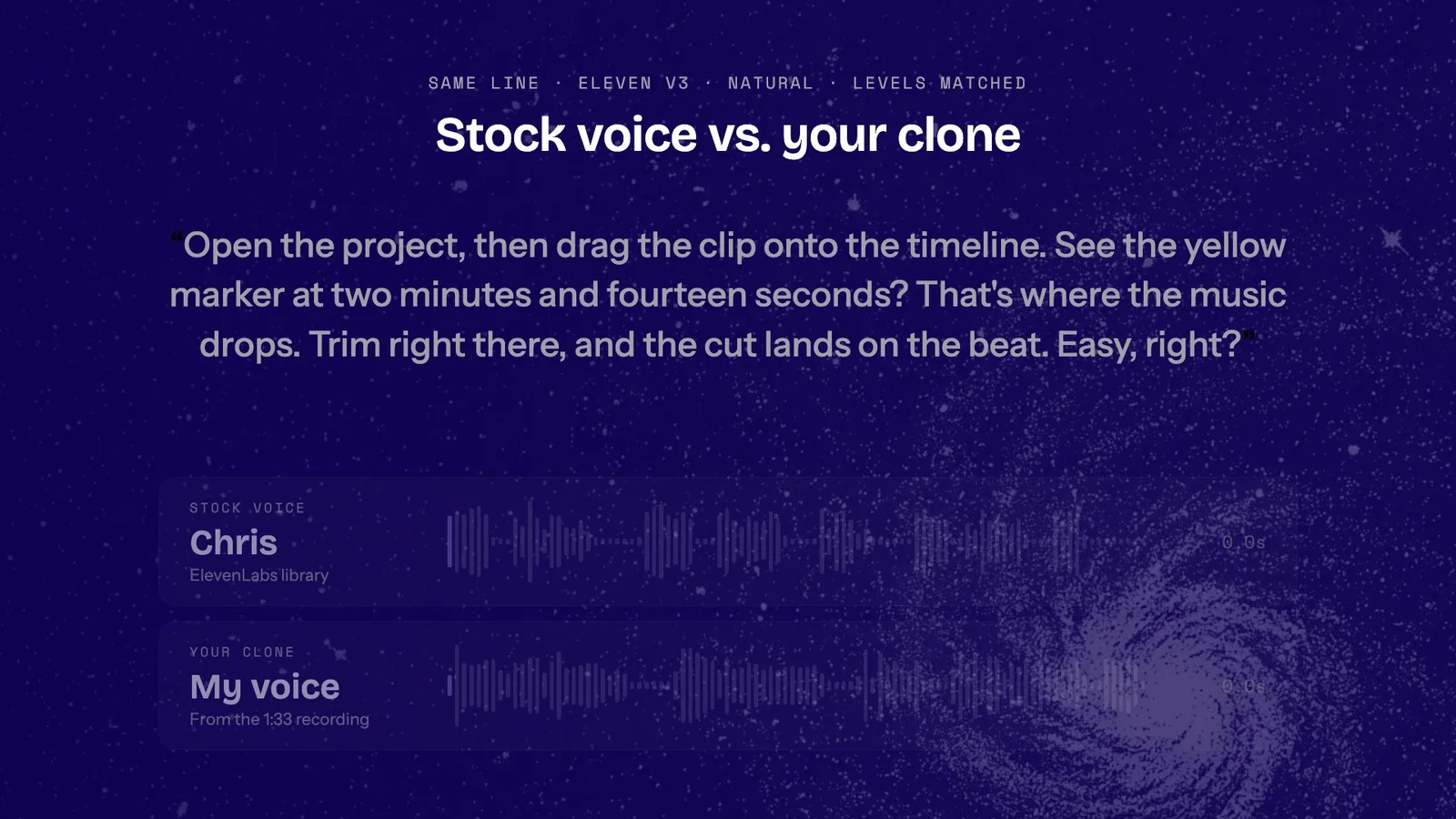
Here is the same line read by a stock voice and then by my clone, with the same model and settings.
Description / transcript
Both voices say: Open the project, then drag the clip onto the timeline. See the yellow marker at two minutes and fourteen seconds? That's where the music drops. Trim right there, and the cut lands on the beat. Easy, right?
The clone sounds like me. It is also less emotive than the stock voice, which is what the guidance above predicts: a clone brings back the delivery of its sample, not only the sound of the voice. That is the lesson of this post: record the sample the way you want to be narrated.
Record in the voice you narrate with
The ElevenLabs guidance for instant clones, with the reasons behind it:
- One to two minutes is enough. ElevenLabs recommends "approximately 1-2 minutes of clear audio" and warns that more than 3 minutes "will yield little improvement and can, in some cases, even be detrimental to the clone." Voyager's meter shows 1:30 as ideal and 3:00 as the maximum.
- How you record matters more than how long. "How the audio was recorded is more important than the total length." No room reverb, background noise or second speaker. Voyager's own tip adds: quiet room, no music.
- Your delivery is the clone's delivery. "If you talk in a slow, monotone voice without much emotion, that is what the AI will mimic." Read at the pace and energy of your real narration, not the voice you use when you know you're being recorded.
- Keep it consistent. ElevenLabs asks for "a consistent tone throughout" and warns against audio with wide swings in pitch and volume. Pick one register and hold it. A warm tutorial voice for 90 seconds is more predictable than a sample that swings between whispering and shouting.
- Short pauses are fine; long silences aren't. Voyager's tip is "Pauses are fine, keep going." ElevenLabs asks for audio "without long gaps of silence," and its text to speech guide adds that pacing "is highly influenced by the audio used to create the voice," so read continuously.
Expressive tags such as [excited] only go so far with a flat sample. The ElevenLabs text to speech guide says tags "land more readily when the delivery is already in the voice's training data." The energy has to be in the recording.
Check the microphone before you read the whole script
Watch the level meter for the first ten seconds. My first two attempts stopped at 9 and 18 seconds when Voyager showed Voyager can't hear you. Check the microphone. The third attempt, on a different microphone, showed Level is good and ran 1:33. Aim past a minute: Voyager asks you to "record at least 60 seconds so the voice has enough to learn from."
Test the clone on a line you would actually narrate
"Hello, this is a test" tells you very little. Use a line with a number, a question and a little attitude, and generate it twice: once with your clone and once with a stock voice you like, at the same settings.
Open the project, then drag the clip onto the timeline. See the yellow marker at two minutes and fourteen seconds? That's where the music drops. Trim right there, and the cut lands on the beat. Easy, right?
Listen for three things:
- Is it you? Tone and accent should match your own voice on a good day.
- Does it have the energy you want? If the clone sounds flatter than the stock voice, your sample is the first thing to check; that's where the ElevenLabs guidance points. Re-record in your narration register before you generate more takes.
- Do numbers and names hold up? For a word the clone gets wrong, try a pronunciation rule before respelling the script. Our guide to directing an AI voiceover shows how; this line didn't need one.
Clone your voice and narrate with it in Voyager
Description / transcript
Step 1, Permission: in the Voice panel, Clone my voice opens a three-step flow, Permission, Record and Review, and the consent box is ticked. Step 2, Record: the script is read for about 90 seconds while the meter shows Level is good, sped up, stopping at 1:33. Step 3, Review: the voice is named My voice, and the cost reads 50 credits to create; Create voice shows Preparing your voice. Step 4, Cast it: Use voice casts My voice on this production, and the production's model changes from Eleven v4 to Eleven v3.
In the Voice panel, open the Voice tab and choose Clone my voice.
- Permission. The consent screen is explicit: "Only your own voice. Don't record or upload anyone else, even with their OK." Tick the consent box, then choose Record, or Upload a recording if you already have a clean one.
- Record. Read the on-screen script "at your normal pace, in the voice you'd use for narration." Choose Another script if it doesn't suit you. The meter shows your level and your progress toward 1:30.
- Review. Check the length, name the voice and choose Create voice. Preparing your voice usually takes a few seconds.
- Cast it. Choose Use voice. You can apply it to this production only, or also make it the project default or your own default.
Then ask the agent for narration. This is the request I sent:
Narrate this as a voiceover in my cloned voice and save the take in this project: "Open the project, then drag the clip onto the timeline. See the yellow marker at two minutes and fourteen seconds? That's where the music drops. Trim right there, and the cut lands on the beat. Easy, right?"
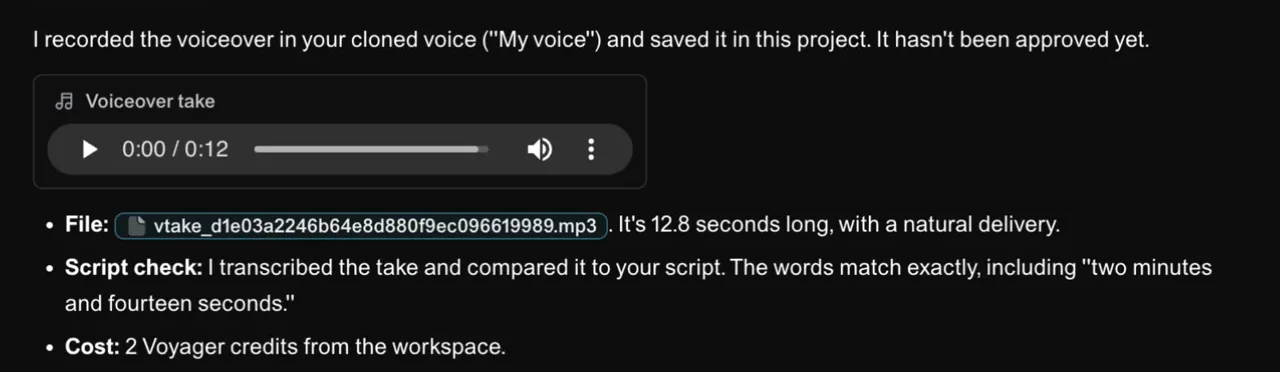
The agent generated the take with the cast clone, checked the words against the script and saved it on the production's Takes tab. Nothing was exported, uploaded to another service or copied back by hand. Clones run only on Eleven v3 in Voyager. Casting a clone switches the production to v3, so pick v3 settings when you compare it with a stock voice. Our voiceover guide used v4 for stock voices.
Cost and privacy
Voice cloning is included with Voyager Ultra and GigaMax. On October 19, 2026, creating a clone cost 50 credits ($0.50), and the 13-second take above cost 2 credits. Ultra holds one cloned voice at a time and GigaMax holds three; delete one to make another.
The consent screen sets out the rest: the voice is "private, and never used for training." The recording is stored privately and sent to Voyager's voice providers only to create the voice. You and your workspace can use the voice, and only you can change or delete it. Deleting the voice removes it and the recording; audio you already made stays.
Before you publish your own voice
A clone will say anything you type, in a voice people trust as yours. Listen to every take before it ships, and if a line sounds like something you would never say, rewrite the line instead of regenerating it. And if the clone sounds right but tired, the guidance points to the sample before the settings: record it again, the way you'd say it to your audience.
Technique
Make your own in Voyager
Opens a new chat with “Clone your voice for narration” attached and the steps from this post. Nothing runs until you send it.
Needs Voyager 2026.10.19-0 or later.